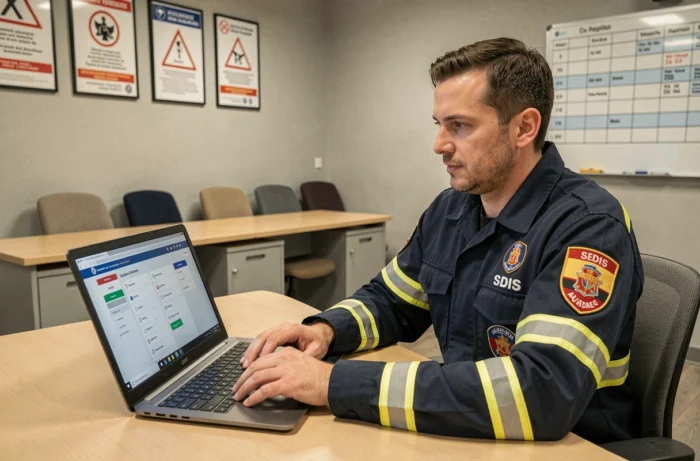
AGATT is the forward planning software used by volunteer firefighters at SDIS 59 to declare their availability and check their shifts. Beyond simply logging in, the tool raises a practical question: what happens when mobile coverage is poor during an emergency response, or when a scheduling error needs to be corrected urgently?
AGATT and poor connectivity: what the tool can do without network coverage
AGATT runs in a web browser and is available at agatt.sdis59.fr. Authentication is handled through an SSO portal (LemonLDAP::NG), which means an active internet connection is required to log in.
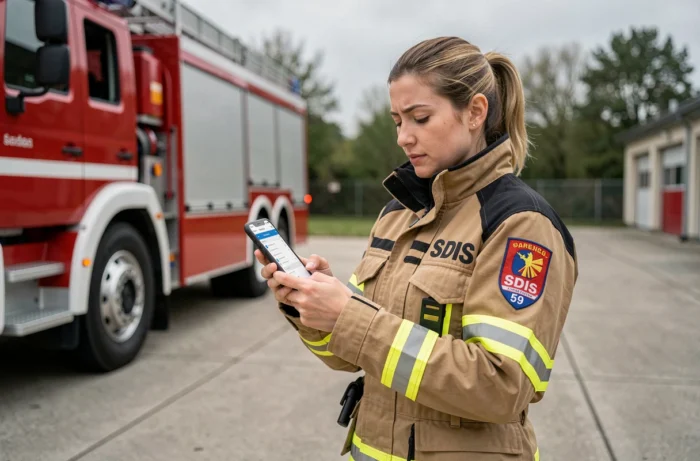
This web-based setup creates a recurring problem for volunteer firefighters in the Nord department. The department has 111 fire and rescue stations spread across both densely populated urban areas and rural districts where 4G coverage remains patchy. A volunteer firefighter trying to update their availability from a station with poor coverage or from a moving vehicle may face loading times that make the task impossible.
Unlike some business applications that offer an offline mode with delayed synchronisation, AGATT does not provide a local cache for saving an entry without a network connection. Every action—declaring a shift, changing a time slot or checking the schedule—requires a real-time exchange with the server.
For volunteer firefighters facing this limitation, the solution is to use a parallel channel: contacting the station chief by phone or text message remains the practical fallback when the digital tool is unavailable. The scheduling manager can then enter the change from a connected desktop computer.
Logging in to AGATT SDIS 59: portal, credentials and common errors
Access to the platform is through the SDIS 59 authentication portal, which uses LemonLDAP::NG, open-source software released under the GPL licence. This technical choice centralises authentication with other internal SDIS services. A detailed guide explains how to log in to AGATT at SDIS 59 by following the steps for this portal.
The most common login issues fall into three distinct categories:
- An expired password, or one that was never changed after being initially assigned by the SDIS IT department. Password resets are handled through the SSO portal, not AGATT itself.
- An incompatible browser or an overloaded cache, which is common on older smartphones used by some volunteers. Clearing the cache and using an up-to-date browser resolves most of these issues.
- An account that has not been activated for new volunteer firefighters who have not yet been added to the department’s LDAP directory. The time between joining and account activation varies by district.
The SSO portal centralises all SDIS digital access, which means a login issue with AGATT may also affect other internal tools. Reporting the problem to the departmental IT department, rather than the station chief, helps resolve it faster.
Reporting unavailability or correcting a schedule in AGATT at SDIS 59
AGATT’s main function for a volunteer firefighter is to declare their availability in advance. Volunteers enter their shift availability ahead of time, and the station manager uses these declarations to build the operational roster.
When something unexpected happens (illness, work commitments or an entry error), how the change is made depends on the user’s role in the tool:
| Situation | Volunteer firefighter action | Scheduling manager action |
|---|---|---|
| Incorrect time slot entered | Edit it directly in AGATT if the slot is not locked | Unlock and correct it if the schedule has been approved |
| Last-minute unavailability | Delete the slot or mark yourself as unavailable | Reassign the shift to another volunteer firefighter |
| No network coverage | Contact the station chief by phone | Enter the change on the volunteer’s behalf |
Once a time slot is locked, the volunteer firefighter can no longer edit it themselves. This restriction helps keep the operational schedule stable once it has been approved by management. Slots are generally locked a few days before the shift.
This process creates a grey area when something unexpected happens at short notice. The volunteer must then go through their manager, adding a human intermediary to a process that is supposed to be digital.
Swapping shifts between volunteer firefighters
Swapping a shift with a colleague is common practice. AGATT allows the scheduling manager to record the swap, but the two volunteer firefighters involved cannot approve the exchange directly with each other in the tool. The request goes through the station chief, who checks that the firefighters’ qualifications are appropriate before approving it.
AGATT in the SDIS 59 ecosystem: the tool’s scope and limitations
SDIS du Nord is France’s largest fire and rescue service by number of staff (7,226 staff, according to official departmental data). Managing advance schedules for several thousand volunteers across 111 stations involves a considerable volume of data.
AGATT is deployed at several fire and rescue services across France, from SDIS 13 (Bouches-du-Rhône) to SIS 972 (Martinique). Each deployment is adapted to local requirements, but the technical foundation remains the same: a web application, an authentication portal and distinct roles for volunteer firefighters, station chiefs and HR managers.
The tool covers advance scheduling, not real-time operational management. It does not replace the alert system or incident management software. Its scope is limited to declaring availability, building shift rosters and tracking volunteers’ service hours.
For volunteer firefighters at SDIS 59, AGATT remains their day-to-day interface with their station. Accurate entries directly affect operational coverage: an undeclared time slot means one fewer person on the shift roster. The tool cannot overcome poor network coverage in the field, but AGATT combined with phone contact remains the practical pairing used by most stations in the Nord department.