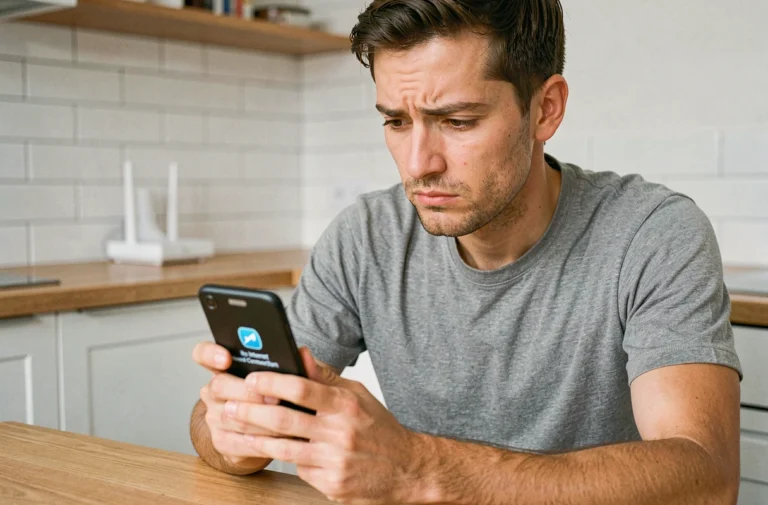
AkeoNet webmail works perfectly in a browser, but synchronization fails on a phone or in an email client such as Outlook or Thunderbird. This mismatch is one of the most common issues encountered by AkeoNet email users. Understanding why these two access methods behave differently can help resolve most problems without contacting technical support.
AkeoNet webmail and email clients: why the connection behaves differently
AkeoNet webmail, available at auth-webmail.akeonet.com, uses direct authentication through the browser. If you can sign in this way but not elsewhere, the issue is not your username or password: it lies with the protocol or port used by the software.
A browser communicates with the server over HTTPS. An email client (Outlook, Thunderbird, or a smartphone’s Mail app) uses a different protocol: IMAP or POP to receive messages, and SMTP to send them. Each protocol requires a specific server, port, and encryption type.
| Setting | Webmail (browser) | Email client (software/app) |
|---|---|---|
| Access protocol | HTTPS | IMAP or POP (incoming), SMTP (outgoing) |
| Authentication | Web form | Username + password in the account settings |
| Encryption | Handled automatically by the browser | SSL/TLS must be configured manually |
| Port | 443 (standard HTTPS) | 993 (IMAP SSL), 465 or 587 (SMTP) |
| Common cause of failure | Incorrect password | Incorrect port or encryption settings |
This table highlights the key point: webmail hides the technical complexity that email clients expose. A single incorrect setting in the software configuration can prevent synchronization, even though the same account works without any issues in a browser.
For a better understanding of the sign-in process and available management options, this detailed guide to AkeoNet email and its messages covers the entire user journey.

AkeoNet IMAP and SMTP settings: errors that prevent synchronization
Most email client setup failures stem from three recurring errors. They affect Outlook and Thunderbird on computers, as well as the native Mail apps on Android and iPhone.
Incorrect incoming server settings
AkeoNet’s incoming mail server (IMAP) must exactly match the address provided by the service provider. A typo, an extra space, or confusion with the SMTP server will prevent you from receiving any email. The “incoming server” and “outgoing server” fields do not use the same address.
Incompatible port and encryption settings
Entering the correct server with the wrong port results in a silent rejection: the software tries to connect, fails, and displays a generic message such as “unable to reach the server.” Port 993 with SSL/TLS is the standard for secure IMAP. Using port 143 (unencrypted IMAP) when the server requires SSL causes exactly this kind of issue.
The same applies to sending mail via SMTP. Port 465 requires SSL, while port 587 requires STARTTLS. Mixing the two usually does not produce a clear error message in most email clients.
Incomplete username
In webmail, the full email address (including @akeonet.com or the associated domain) is often prefilled. In an email client, you must enter it manually in the “username” field. Entering only the part before the @ instead of the full address is a common cause of failure because the server does not recognize the truncated username.
Troubleshooting AkeoNet synchronization on Android smartphones and iPhones
On a smartphone, setup is done through the native Mail app or a third-party app (Gmail, Outlook Mobile). The steps vary by operating system, but the same issues can arise.
- On Android, adding an “Other” account in the Gmail app or in the phone settings opens a form asking for the incoming and outgoing servers, ports, and security type. If automatic detection fails, you must enter each field manually using the exact AkeoNet settings.
- On iPhone, the Mail app also offers an “Other” option after the preconfigured providers (iCloud, Google, Yahoo). The form is similar, but iOS may require you to install a certificate profile if the server uses an SSL certificate that Apple does not recognize.
- In both cases, turning off Wi-Fi and testing over mobile data helps rule out a local network issue (home firewall or port filtering by the Internet router).
A simple test is to send an email from webmail to the address configured on your phone. If the message appears in webmail but not on your smartphone, the issue is with the client configuration, not the AkeoNet server.
AkeoNet customer portal and password management: two separate sign-ins
A common source of confusion for AkeoNet users is the difference between the customer portal (selfcare.akeonet.com) and webmail (auth-webmail.akeonet.com). These two interfaces serve different purposes.
The customer portal lets you manage your Internet subscription, create or delete email addresses linked to your account, and reset an email password. Webmail, on the other hand, is only for reading and sending emails.
- To reset an email account password, use the customer portal, not webmail. The “Forgot password” link on the webmail sign-in page redirects you to the self-care portal.
- After changing your password in the customer portal, all email clients configured with the old password will stop syncing. You must update the password manually in each app.
- New email addresses must also be created through the customer portal. Webmail does not offer this feature.
This distinction explains why some users can still access webmail after changing their password online, while their smartphone refuses to receive emails: the password saved in the app has not been updated.
The most reliable approach after changing your password is to remove the email account from the software or phone, then set it up again with the new credentials and correct server settings. This takes just a few minutes and clears authentication cache conflicts that some email clients retain even after you enter the new password.