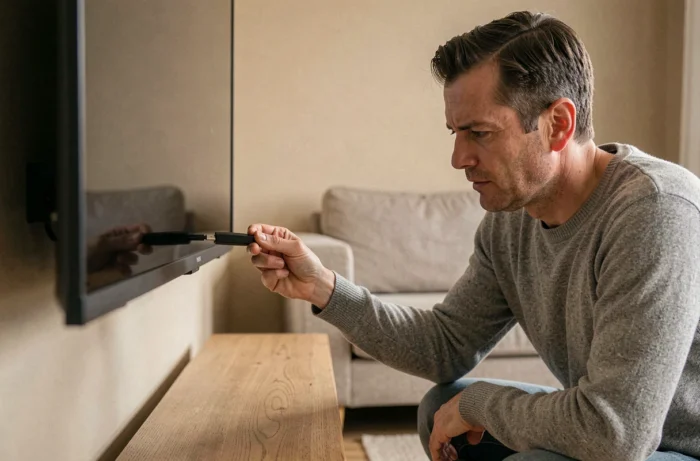
IPTV, or Internet Protocol Television, refers to a broadcasting method that delivers video streams over your home network rather than through antenna, coaxial cable, or satellite. The television receives channels through a dedicated application, connected via Wi-Fi to the router. Installing IPTV on the TV via Wi-Fi requires three elements: a compatible screen or one made compatible, a stable wireless connection, and credentials provided by a streaming service.
IPTV Protocol and Wi-Fi: What Really Happens on the Network
An IPTV stream is transmitted in the form of data packets, just like a video on a streaming platform. The difference lies in the transport protocol: most providers use the Xtream Codes format (a server URL, a username, a password) or an M3U link that the application interprets to load the channel list.
Wi-Fi adds a variable that Ethernet cable does not have: latency related to the distance between the television and the router. A high-definition stream requires sufficient and consistent bandwidth. If the Wi-Fi signal weakens, the image freezes or pixelates even before the application is at fault.
Before changing a software setting, it is more useful to check the quality of the wireless connection. Bringing the router closer to the television, removing physical obstacles (thick walls, appliances), or switching to the 5 GHz band when the router allows it reduces most interruptions. The procedure to install IPTV on the TV via Wi-Fi becomes much smoother once the network is stabilized.
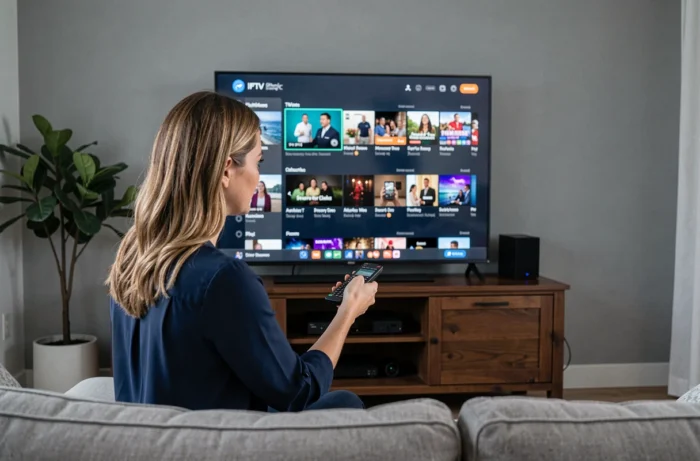
Smart TV Compatibility: Tizen, webOS, and Android TV Are Not Equal
Not all Smart TVs provide access to the same applications. Samsung runs on Tizen, LG on webOS, and Sony, TCL, or Xiaomi models generally rely on Android TV or Google TV. An application available on Android TV may be absent from the Tizen store, and vice versa.
Checking compatibility in your TV’s app store for your specific model saves time. On Samsung and LG TVs, the Smart IPTV application works via a MAC address specific to the television, while on Android TV, IPTV Smarters Pro or TiviMate can be installed directly from the Play Store.
When the TV Is Not Connected
An older television without an integrated operating system cannot access any app store. In this case, an external box transforms the screen into an IPTV terminal. The most common options are:
- An Android TV box connected via HDMI, which provides access to the Play Store and most IPTV players.
- An Amazon Fire TV Stick, on which IPTV Smarters Pro is installed via the Downloader app, bypassing the main store.
- An Apple TV or Chromecast, which support certain IPTV applications or casting from a phone.
The box connects to the home Wi-Fi just like a Smart TV would. The software setup remains the same: install the player, enter the credentials.
IPTV Player Configuration: Xtream Codes or M3U Link
Once the application is installed, two connection methods coexist. The choice depends on the provider and the application used.
With an Xtream code, the application requires three fields: the server URL, the username, and the password. This information is provided by the provider after subscription. The application then loads the channel list, categories, and, if applicable, the program guide.
With an M3U link, a single address is sufficient. It is copied and pasted into the field provided by the application. The player then downloads the playlist file and displays the available channels. The M3U link is easier to handle but sometimes offers fewer features (no server-side favorites management, no integrated EPG).
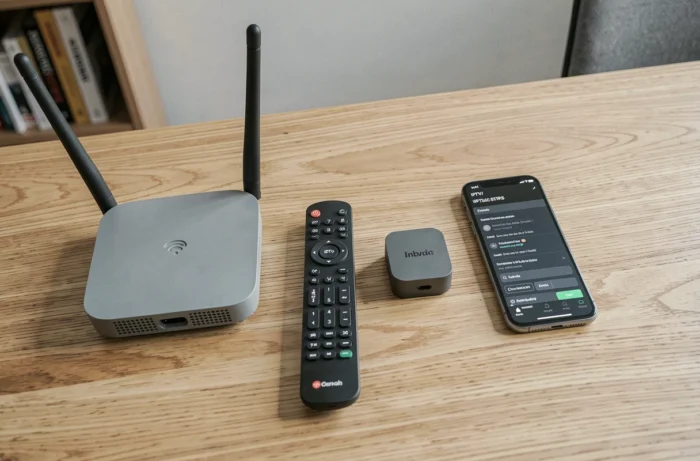
On IPTV Smarters Pro, the home screen directly offers both options. On TiviMate, entry goes through a setup wizard on the first launch. On Smart IPTV (Samsung, LG), activation is done online via the application’s website by entering the television’s MAC address and the M3U link.
Diagnosing Interruptions: Network, Provider, or Blocking
When the stream interrupts, three distinct causes should be checked in this order.
The Wi-Fi connection first. Run a speed test directly from the television or the box (most Android TV systems include a browser that allows access to a test site). An unstable speed explains the majority of freezes and pixelations. If the problem persists after bringing the router closer, a wired connection via Ethernet cable remains the most reliable solution.
The provider next. An overloaded or under maintenance server causes the same symptoms as a faulty Wi-Fi. Testing another stream or channel helps isolate the problem.
Finally, the blocks. In France, court decisions regularly order the blocking of IPTV services broadcasting unauthorized content. A sudden outage that is neither due to Wi-Fi nor the server may result from a judicial block. It is useful to remember that the IPTV player is just a playback tool: legality depends entirely on the content provider and its broadcasting rights.
The Legality of IPTV: What the Player Does Not Provide
The IPTV protocol is neutral. Applications like Smarters Pro, TiviMate, or Smart IPTV are players, not channel providers. Legal responsibility lies with the service that distributes the streams.
A provider offering paid channels without holding broadcasting rights operates illegally. In France, subscribers to such services have faced legal action and fines. Ensuring that the provider has the necessary permissions protects both your wallet and peace of mind.
The free applications of French channels (France TV, TF1+, Arte) and legal platforms like Molotov are accessible alternatives on Smart TVs and boxes, without legal risk.
The technical configuration remains the same regardless of the chosen provider. What changes is the sustainability of the service and the framework in which it operates.